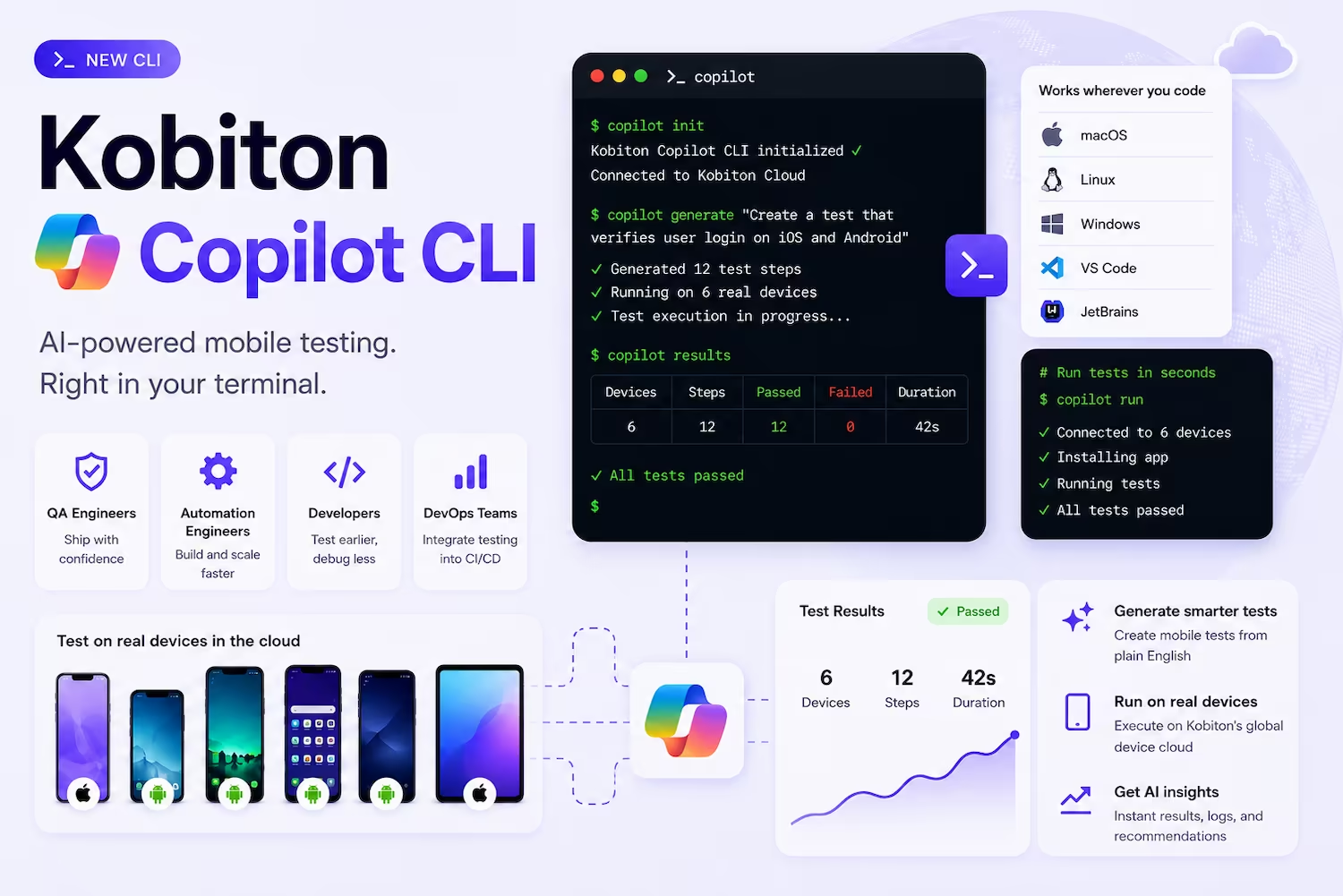
QA Engineer hero image

Your AI QA Engineer for Mobile Testing in Copilot

Use natural language to create, debug, and scale mobile tests with Kobiton’s Copilot integration.

How it Works

Kobiton’s Copilot CLI brings AI-powered mobile testing directly into your workflow — making it fast to create, update, and run Appium tests.

Skip Appium Script Writing

Mobile test automation is slow to build and harder to maintain. AI removes that bottleneck by generating and updating tests instantly.

Why this matters
Prompt. Test. Ship.

Generate Appium scripts, debug failures, and expand test coverage using simple prompts.

What you can do
No New Tools

Works directly within your development environment — no context switching, no new tools to learn.

How it fits your workflow

From Hours to Minutes

Four ways Kobiton speeds up mobile test creation.

Generate Appium scripts from prompts
Get intelligent suggestions and fixes
Automate workflows with natural language
Scale testing without writing more code
Benefits right image

Discover the Benefits of Mobile Testing in Copilot

See it in action in 5 minutes

Get Started

Install the plugin

Once the Copilot CLI starts in your Terminal, run the following commands one at a time in that window:

/plugin marketplace add kobiton/automate
/plugin install automate@kobiton
Authenticate

Kobiton MCP supports authentication using OAuth (recommended) or an API key.

OAuth (recommended)

Trigger the OAuth flow from inside the session:

/mcp auth kobiton

A browser window opens for authentication.

Sign in using:

  • Kobiton credentials
  • Google
  • GitHub

The Copilot CLI stores OAuth tokens automatically for future sessions. Use /mcp (or /mcp show) at any time to inspect server status.

API key

Use API key authentication for:

  • CI/CD pipelines
  • headless environments
  • systems without browser access

Generate an API key in Kobiton Portal > Settings > API Keys. Then export:

export KOBITON_AUTH="Basic $(echo -n 'username:api-key' | base64)"

Update .mcp.json (or ~/.copilot/mcp-config.json) to include the Authorization header.

OAuth and API key authentication cannot be used together in the same .mcp.json configuration.

OAuth uses browser-based authentication and token management, while API key authentication uses explicit authorization headers. Configure only one authentication method at a time.

NOTE
Run a command

After authentication, enter commands in the Copilot CLI using natural language.

Show available Android devices

Show results for session 12345

Upload app.apk and run tests/smoke_test.js

For more information on the Kobiton plugin, visit our documentation .

Start generating mobile tests with AI today

Install our Plugin