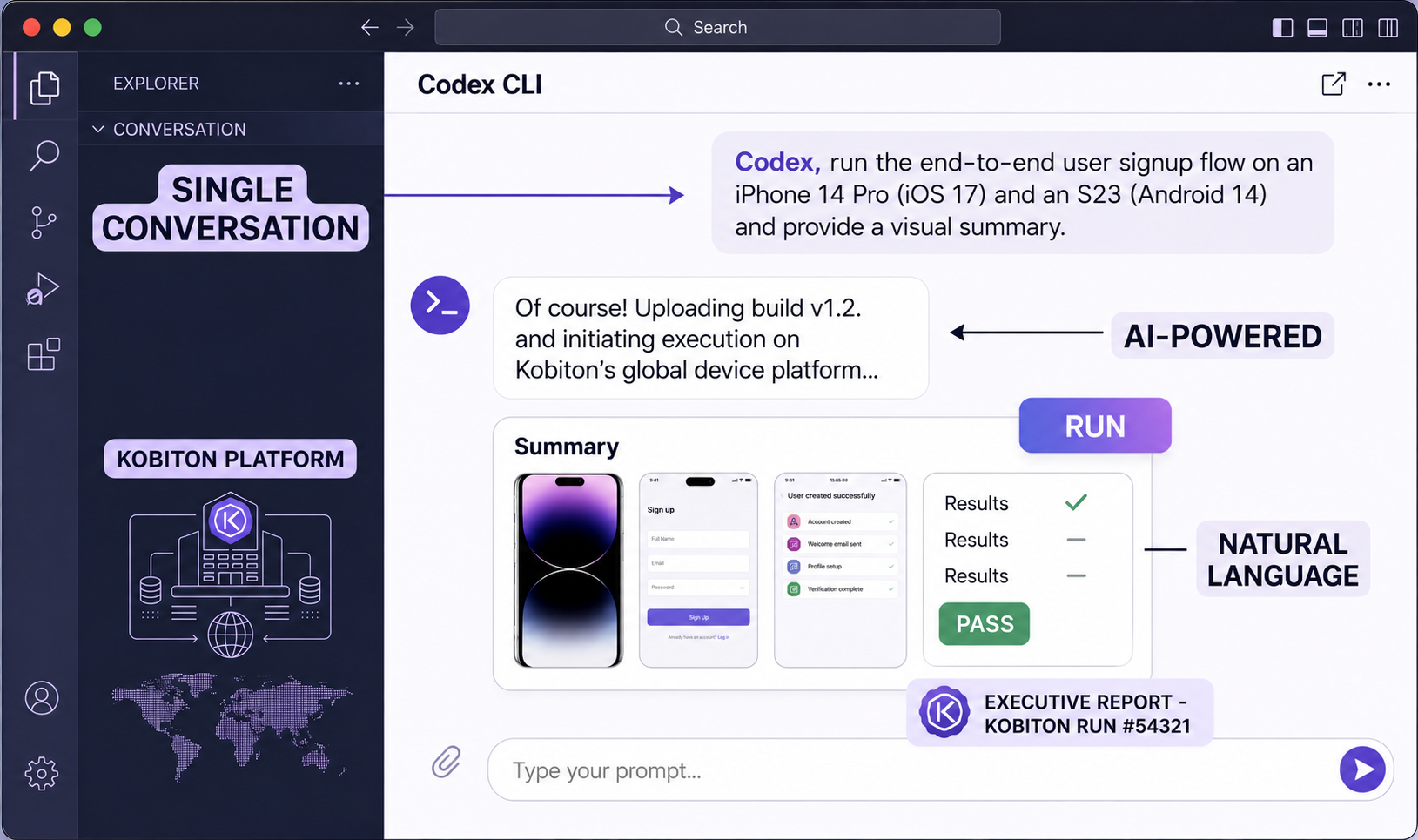
QA Engineer hero image

Your AI QA Engineer for Mobile Testing in Codex

Use natural language to create, debug, and scale mobile tests with Kobiton’s Codex integration.

How it Works

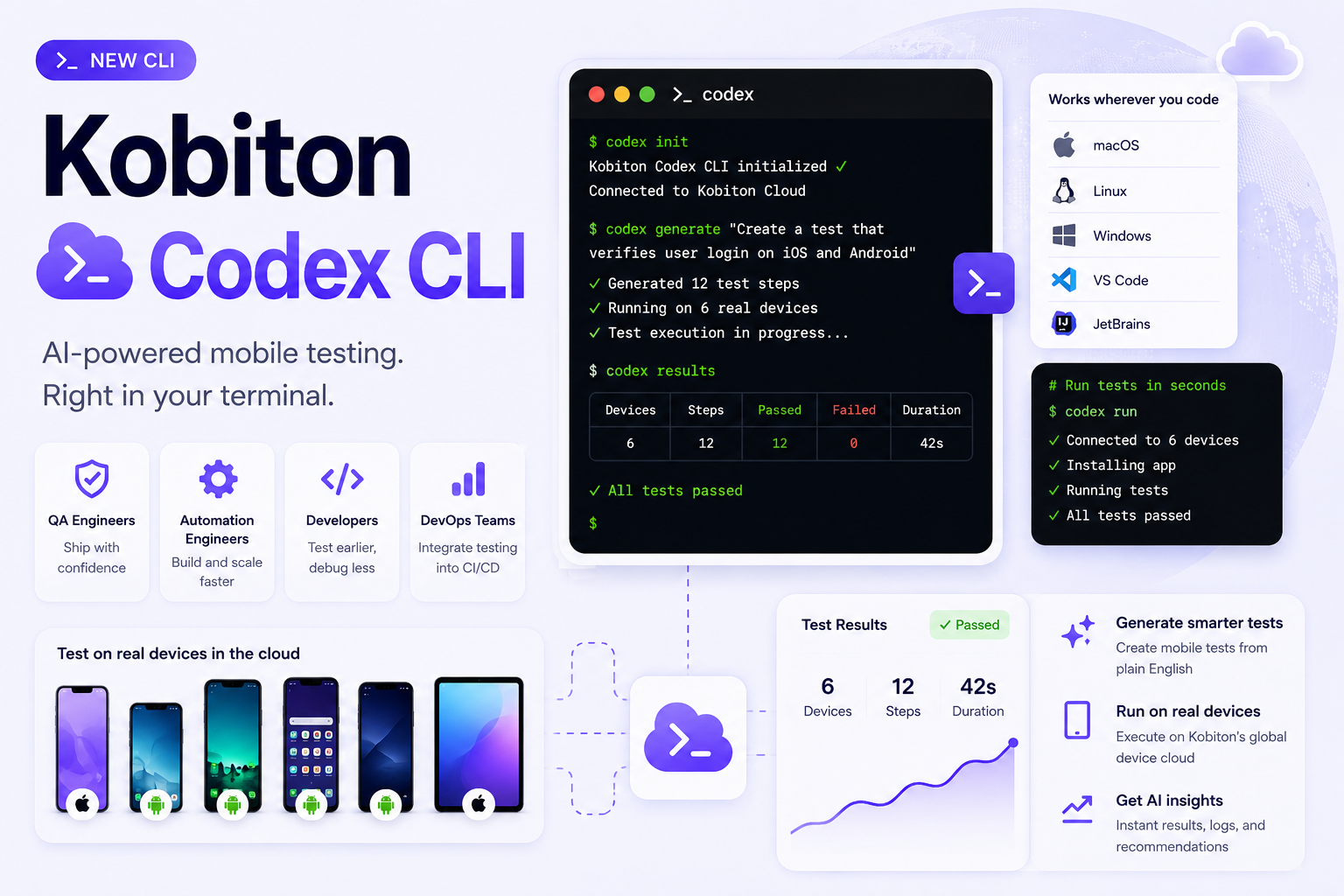
Kobiton’s Codex CLI brings AI-powered mobile testing directly into your workflow — making it fast to create, update, and run Appium tests.

Skip Appium Script Writing

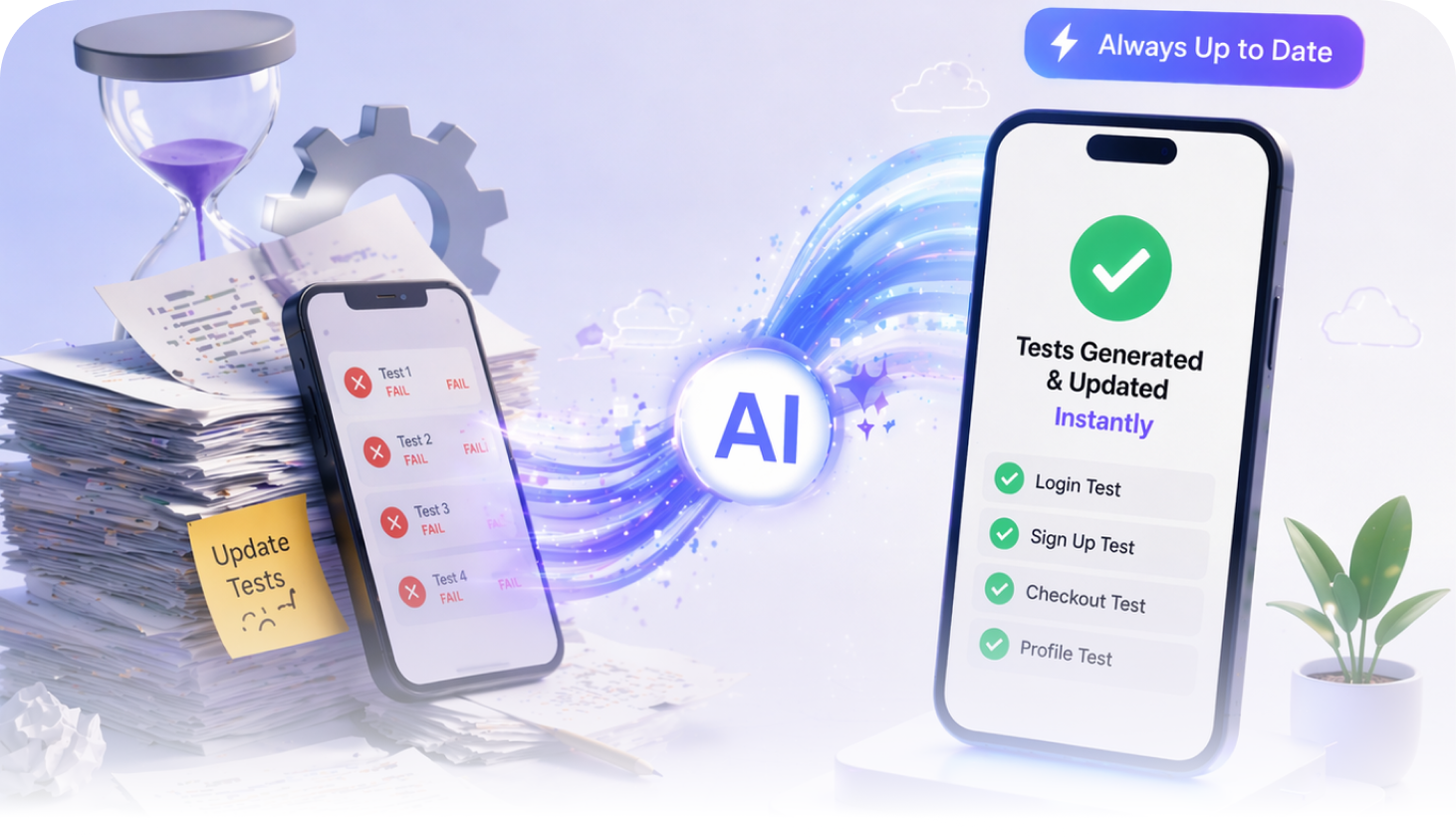
Mobile test automation is slow to build and harder to maintain. AI removes that bottleneck by generating and updating tests instantly.

Why this matters
Prompt. Test. Ship.

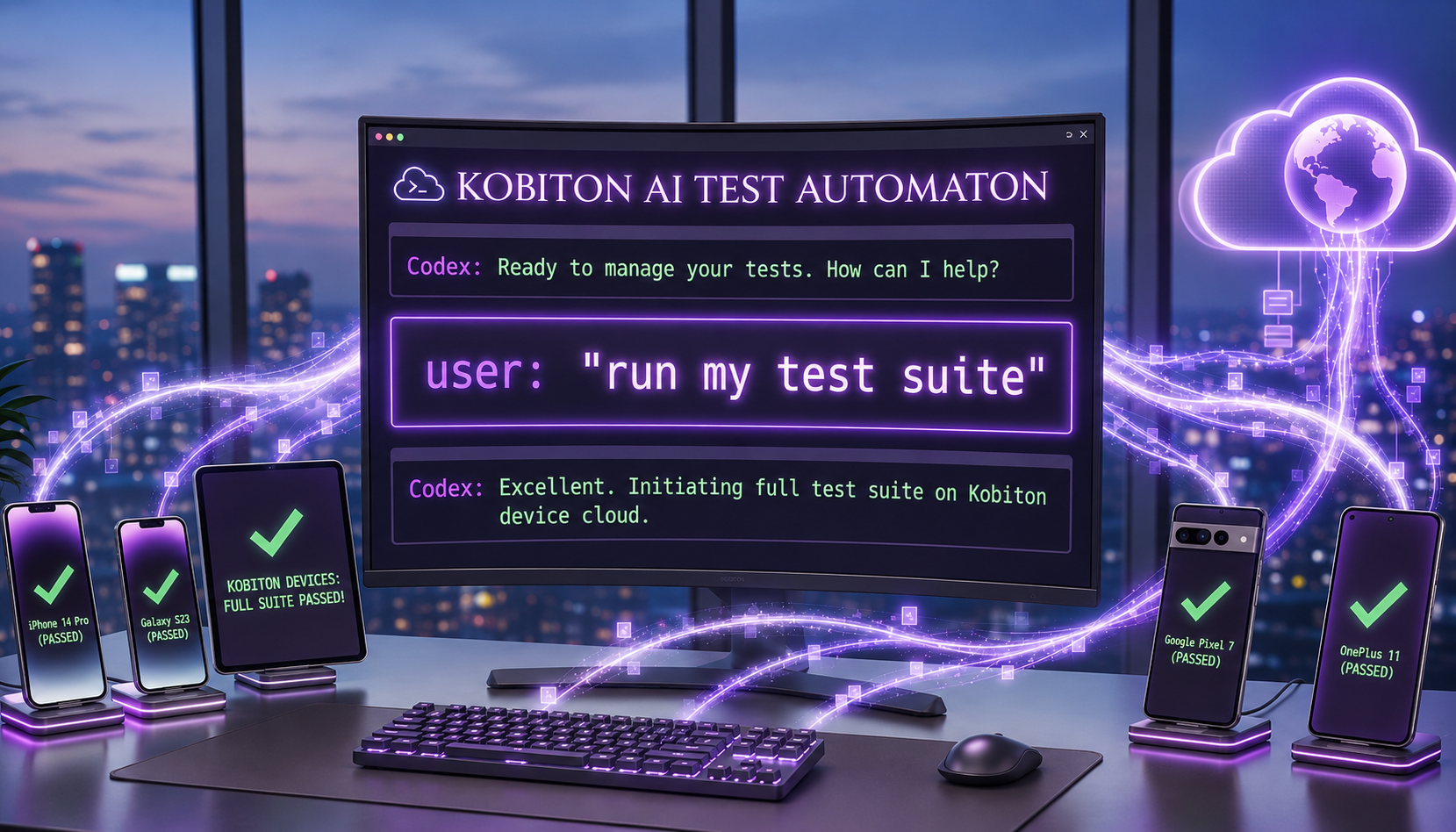
Generate Appium scripts, debug failures, and expand test coverage using simple prompts.

What you can do
No New Tools

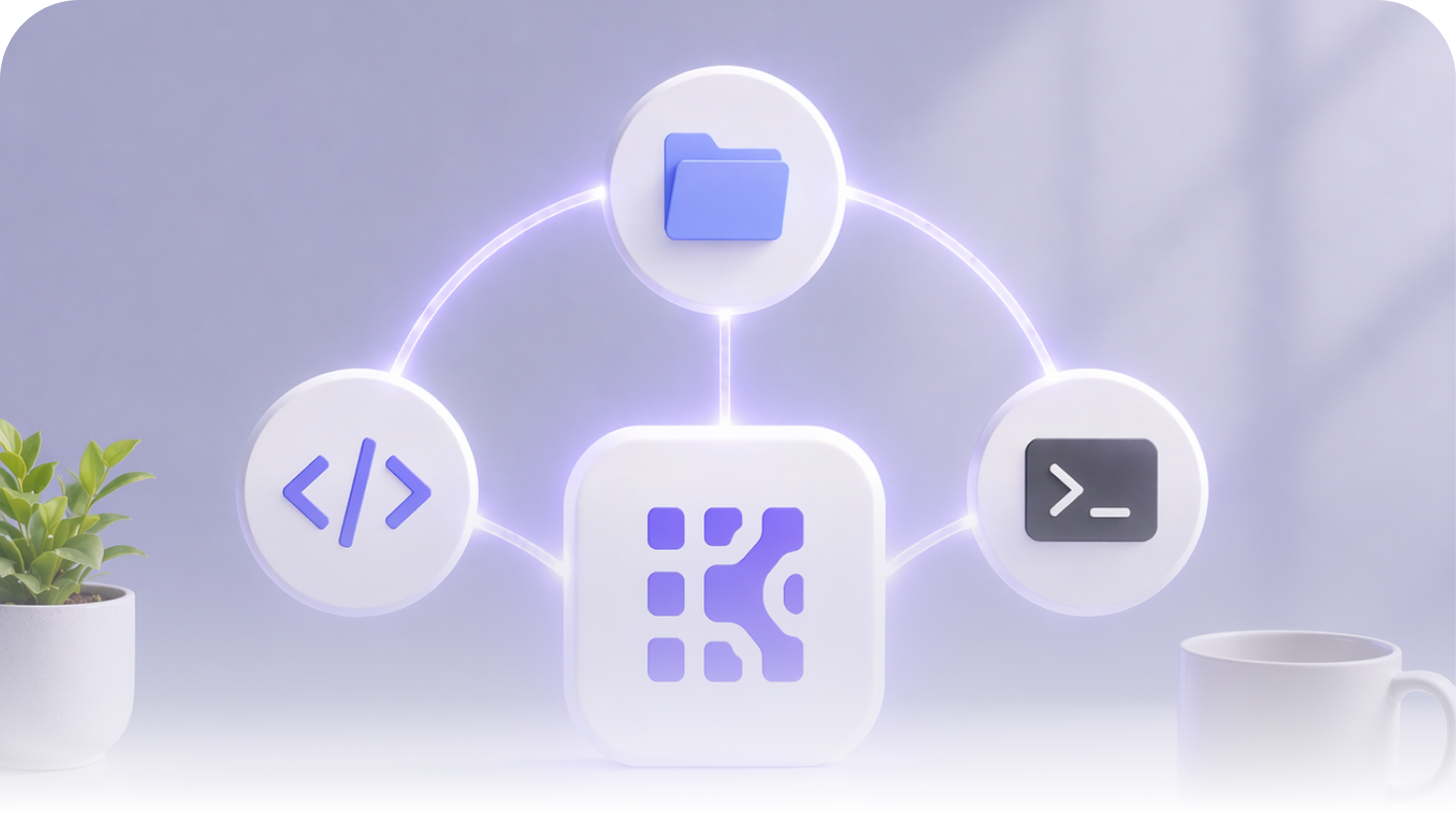
Works directly within your development environment — no context switching, no new tools to learn.

How it fits your workflow

From Hours to Minutes

Four ways Kobiton speeds up mobile test creation.

Generate Appium scripts from prompts
Get intelligent suggestions and fixes
Automate workflows with natural language
Scale testing without writing more code
Benefits right image

Discover the Benefits of Mobile Testing in Codex

See it in action in 5 minutes

Get Started

Install the plugin

In a new workspace folder, add the Kobiton marketplace, then install the plugin from the in-session plugin browser.

cd kobiton-project
codex plugin marketplace add kobiton/automate
codex
Authenticate

You can authenticate using OAuth or an API key.

OAuth (recommended)

The system browser opens automatically the first time the Codex CLI calls a Kobiton tool (for example, "List my Kobiton devices"). Sign in using Kobiton credentials, Google, or GitHub.

API key

Use API key authentication for: CI/CD pipelines, headless environments, systems without browser access.

Generate an API key in Kobiton Portal > Settings > API Keys. Then export:

export KOBITON_AUTH="Basic $(echo -n 'username:api-key' | base64)"

For the Codex CLI, switch to API key authentication by adding an env_http_headers block to the plugin's .mcp.json:

"env_http_headers": { "Authorization": "KOBITON_AUTH" }

Recommended approach: maintain a fork of kobiton/automate with this change committed, then install from your fork. The fork survives plugin reinstalls and Codex CLI upgrades.

Last resort: edit the installed copy at ~/.codex/.tmp/marketplaces/kobiton/.codex/.mcp.json directly. This file is part of the Codex CLI cache; the edit is overwritten on every reinstall.

OAuth and API key authentication cannot be used together in the same .mcp.json.

NOTE
Run a command

After authentication, enter commands in the Codex CLI using natural language.

Show available Android devices

Show results for session 12345

Upload app.apk and run tests/smoke_test.js

For more information on the Kobiton plugin, visit our documentation .

Start generating mobile tests with AI today

Install our Plugin