Generate Mobile Tests Instantly with Claude + AI

Generate Appium scripts, run tests on real devices, and automate faster all from a simple prompt.

Claude hero image

How it Works

AI Test Automation

As AI becomes a core part of the development workflow, test automation is evolving from manual scripting to intelligent, intent-driven systems. Teams are no longer just writing tests – they’re generating and refining them in real time.

AI Test Automation
Claude + Mobile Testing

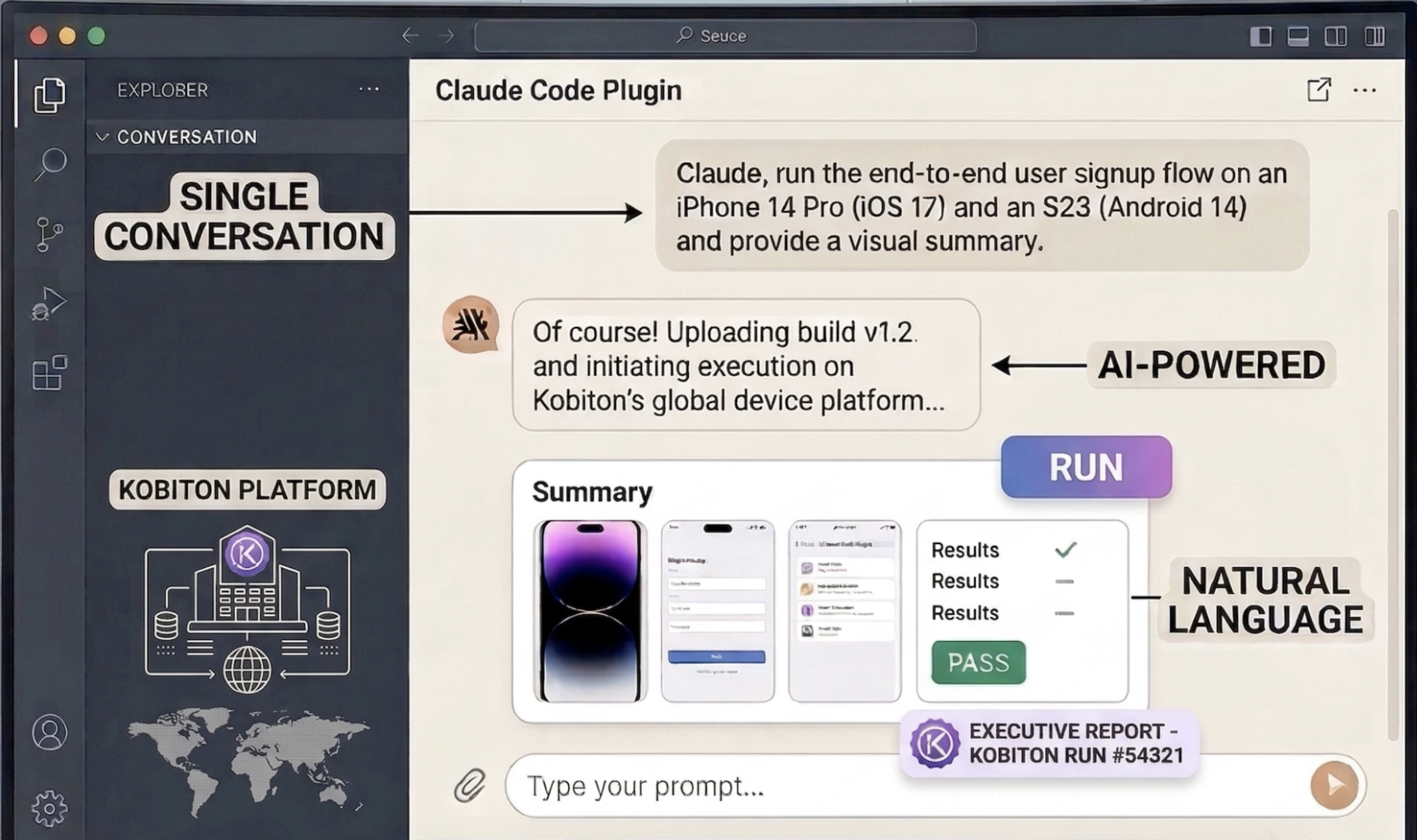
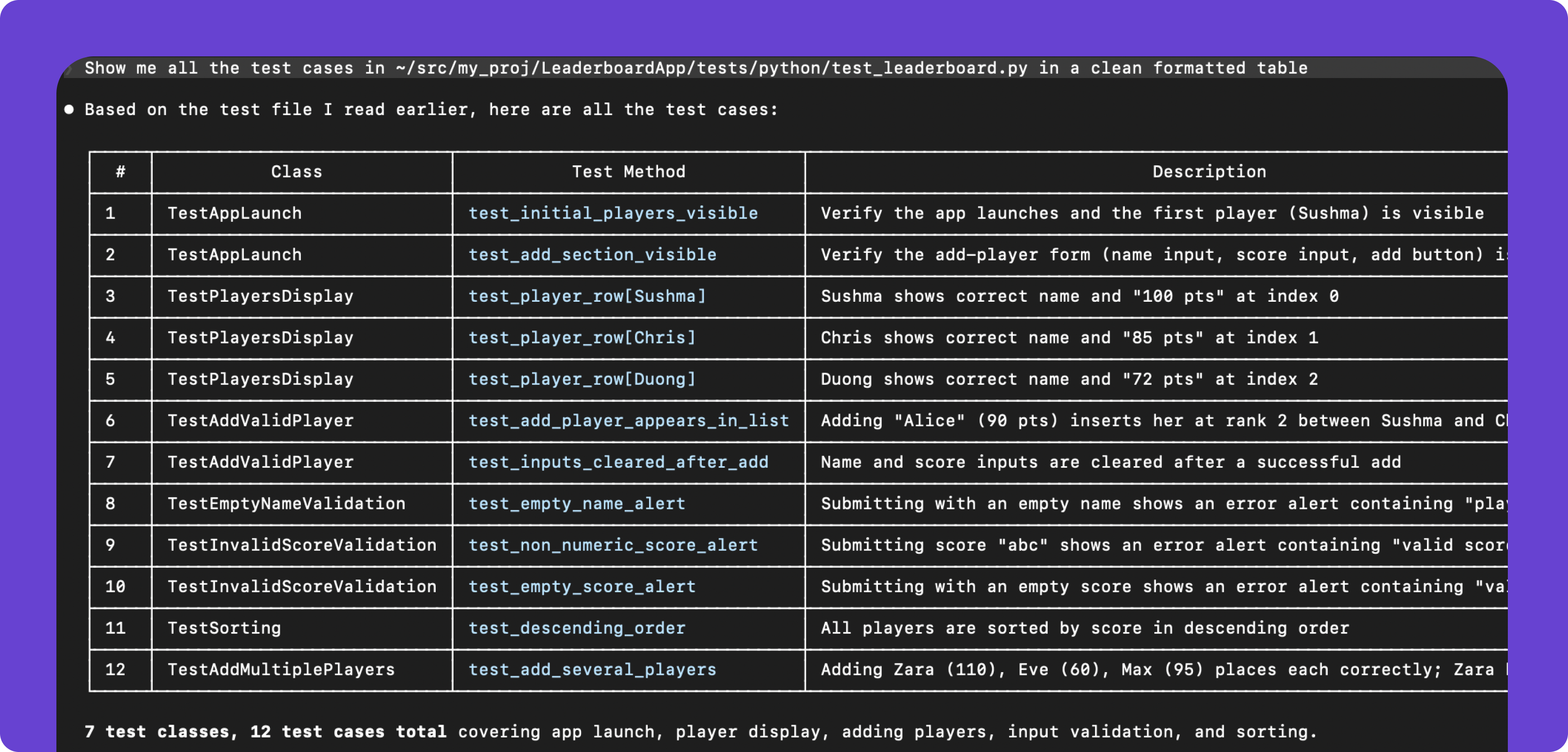
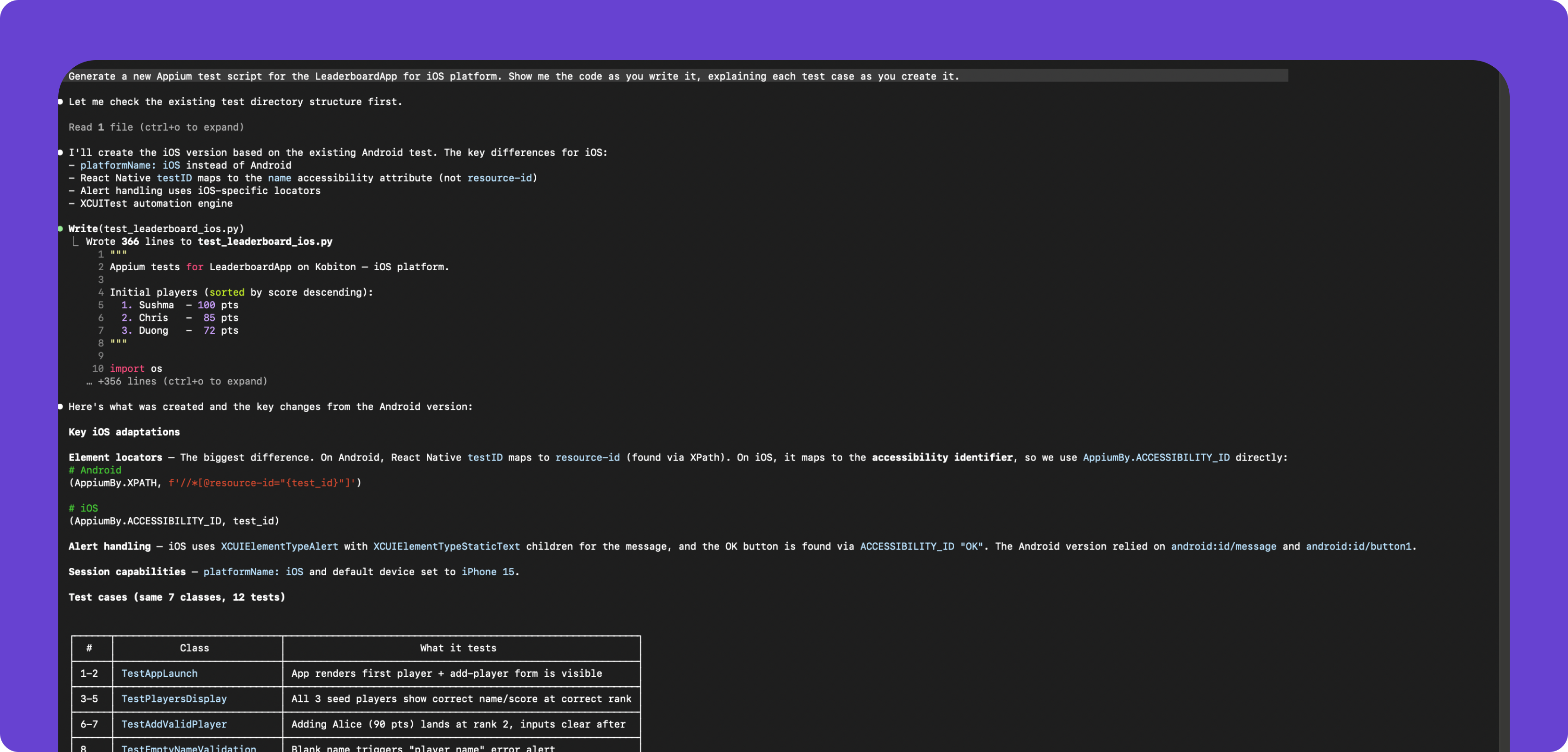
Kobiton’s Claude plugin brings this shift to mobile testing. It allows developers and QA engineers to describe test scenarios in plain language, instantly generate Appium scripts, and run them on a fleet of real devices, all without leaving Claude.

Claude + Mobile Testing
Faster Authoring

The result is a faster, more flexible way to build and scale automation – where tests are created, updated, and executed as quickly as you can describe them.

Faster Authoring

Key Benefits

Benefit Icon 1
Generate Appium scripts from prompts
Benefit Icon 2
Get intelligent suggestions and fixes
Benefit Icon 3
Run tests instantly on a wide variety of real devices
Benefit Icon 4
Iterate and refine tests in seconds
Benefits right image

Discover the Benefits of Mobile Testing in Claude

Test it yourself - no signup needed

Get Started

Install the plugin

In Claude Code, run:

/plugin marketplace add kobiton/automate
/plugin install automate@kobiton
Authenticate

You can authenticate using OAuth or an API key.

OAuth (recommended)

When you first use the plugin, a browser window opens. Sign in with your Kobiton credentials. Claude stores tokens automatically.

API key

Generate an API key in Kobiton Portal > Settings > API Keys. Then set:

export KOBITON_AUTH="Basic $(echo -n 'username:api-key' | base64)"

Update .mcp.json to include the Authorization header.

OAuth and API key authentication cannot be used together. Use one method at a time.

NOTE
Run a command

Use natural language to interact with Kobiton:

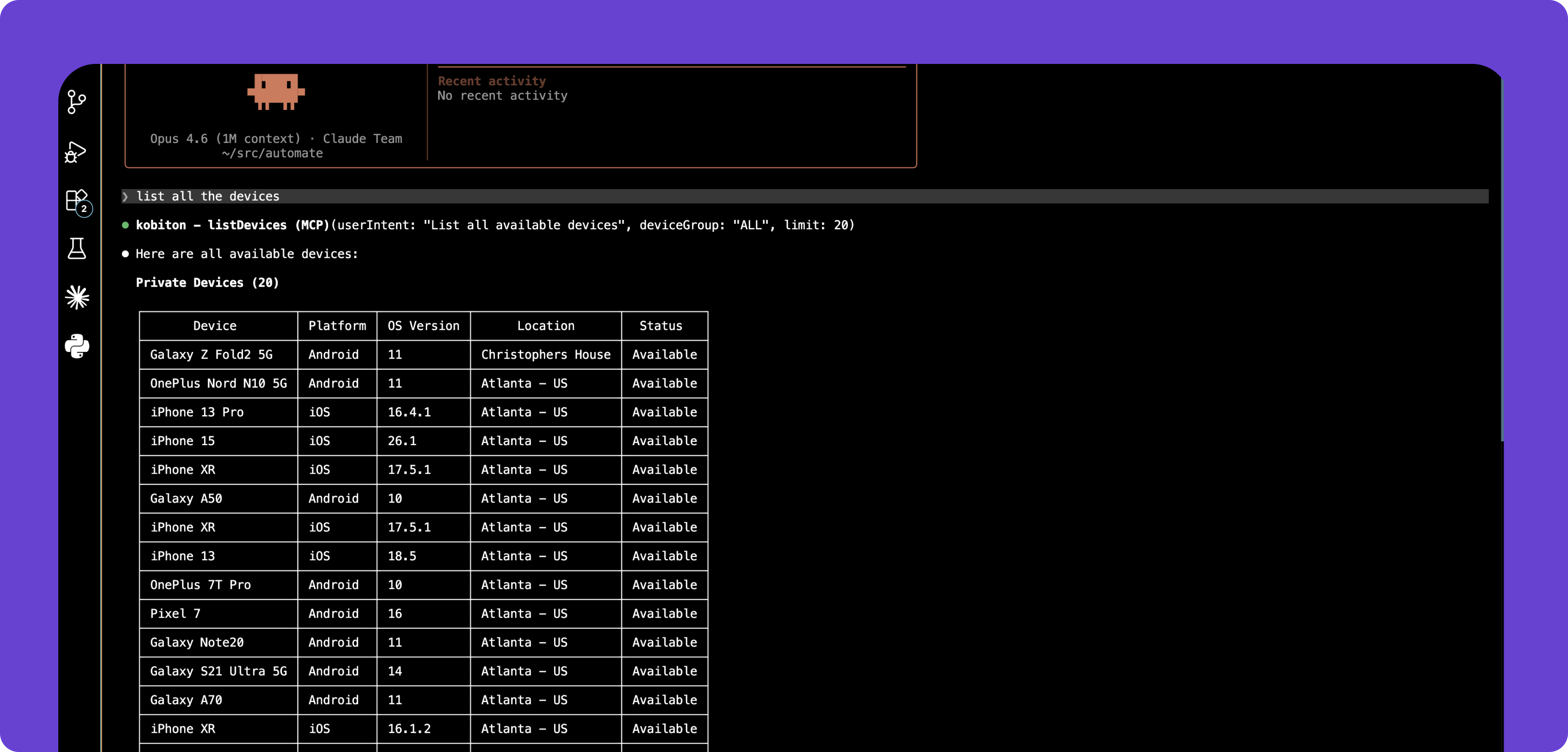
Show available Android devices

Upload app.apk and run tests/smoke_test.js

Show results for session 12345

For more information on the Kobiton plugin, visit our documentation .

Start building mobile tests with AI today

Install our Plugin